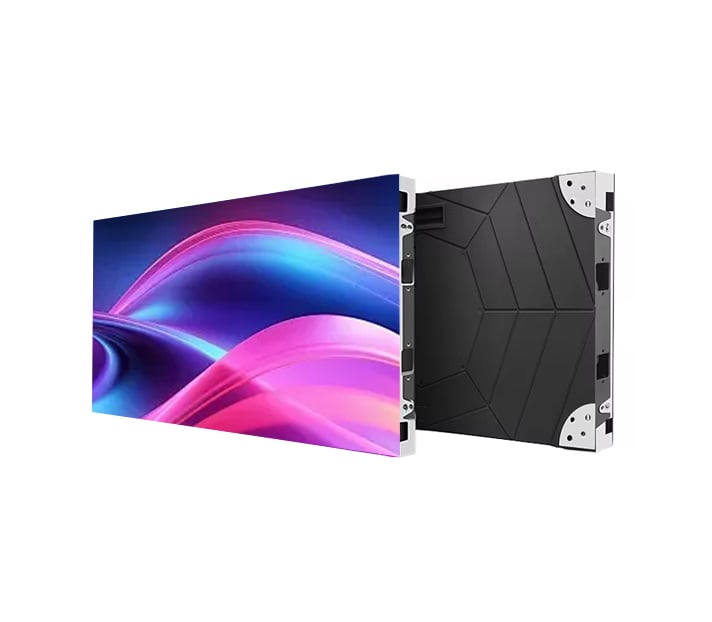
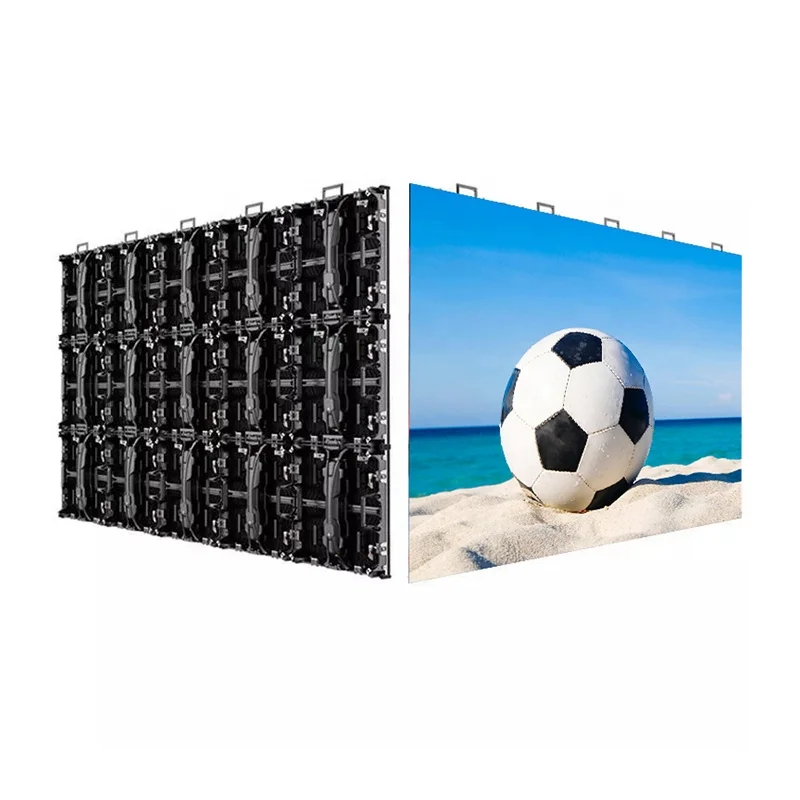
When one LED cabinet goes black, flickers, shows the wrong colors or disappears from the control software, do not replace the receiving card immediately.
A similar symptom can come from the 5V power supply, Ethernet cable, HUB board, ribbon cable or incorrect receiving card configuration.
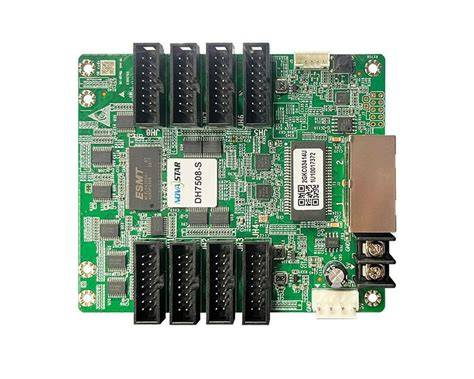
The receiving card is an important part of an LED display control system. It receives data from the sending controller and distributes the image data to LED modules. When it stops working correctly, one cabinet or even several connected cabinets may lose their image.
This guide explains the most common LED receiving card problems, how to diagnose them, and what you should check before replacing a receiving card.
| Screen Symptom | Check First |
|---|---|
| Entire screen is black | Controller, main power, first signal cable |
| One cabinet is black | Receiving card, 5V power, Ethernet |
| One module is black | Module, ribbon cable, HUB board |
| Several cabinets after one point are black | Signal chain / Ethernet output |
| One cabinet shows the wrong image | Receiving card configuration |
| Receiving card is offline | Power, network connection, firmware |
An LED receiving card works between the main LED controller and the LED modules.
A typical signal path is:
Computer / Video Source → Sending Controller → Receiving Card → HUB Board → LED Modules
The sending controller processes the video signal and sends display data through Ethernet cables. Each receiving card receives the data for a specific cabinet or section of the screen.
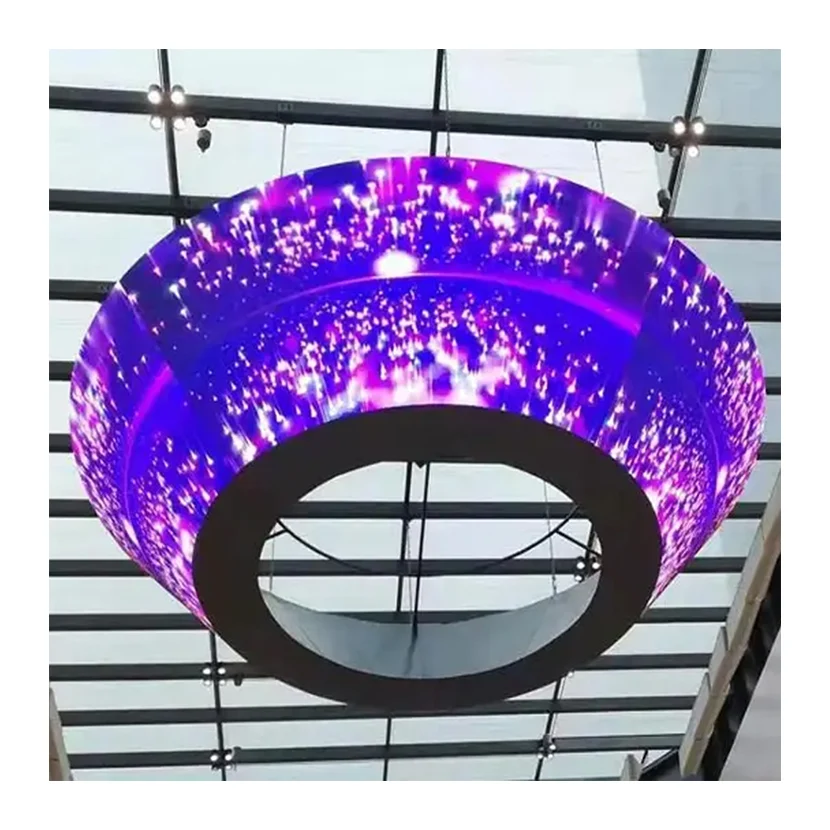
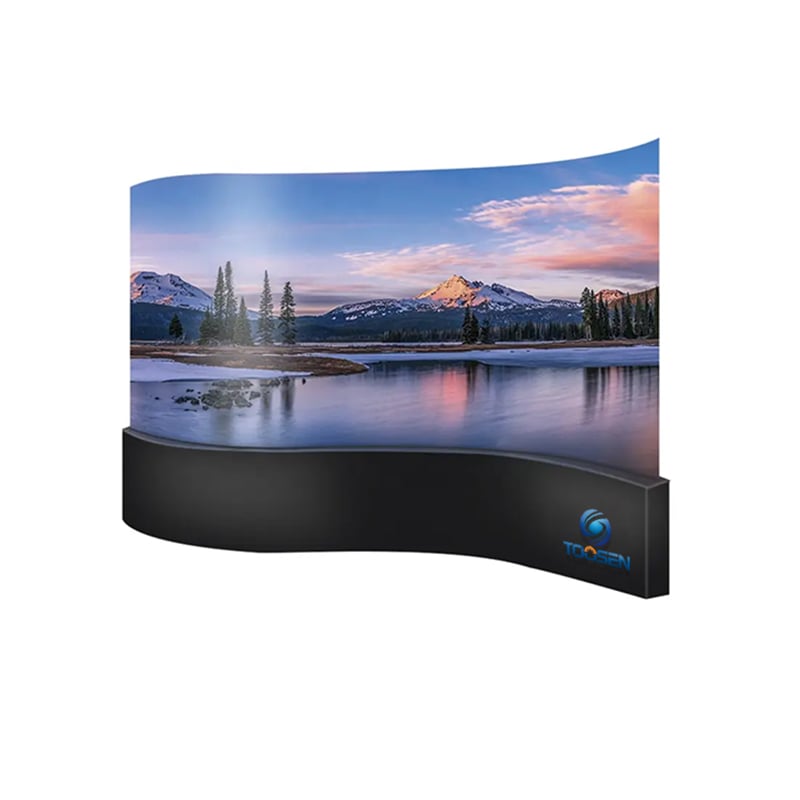
This system is used in conventional LED displays as well as more complex products such as spherical LED displays, flexible screens and custom-shaped LED displays.
Because several components are connected together, a screen problem that looks like a receiving card failure may actually come from another component.
A single black cabinet is one of the most common symptoms.
Possible causes include:
Do not immediately replace the receiving card. First check whether its power and signal indicator lights are operating normally.
If several cabinets suddenly become black, look at their position in the signal chain.
For example, if Cabinet 1 and Cabinet 2 work normally but Cabinet 3 and every cabinet after it are black, the problem may be around Cabinet 3 or the signal output from the previous cabinet.
Check:
Ethernet cable → receiving card input → receiving card output → configuration
This is usually more useful than testing every LED module individually.
Flickering does not always mean the LEDs themselves are failing.
It can be caused by:
Start with the cables and power supply before changing software settings.
Sometimes the screen is working, but the image appears broken, repeated, shifted, or completely disordered.
This often points to a configuration problem rather than a physically damaged card.
Check the receiving card parameters, including:
This is especially important for a custom-shaped LED display, where irregular screen structures may require more complex pixel mapping than a standard rectangular screen.
If part of the display shows abnormal red, green, or blue colors, first determine how large the affected area is.
If only one LED module has a color problem, check the module and ribbon cable first.
If an entire cabinet has the same color problem, check the receiving card configuration, HUB board, cables, and receiving card.
The size of the affected area provides an important clue.
If the control software cannot detect a receiving card, possible reasons include:
Check whether the card has stable power before troubleshooting the software.
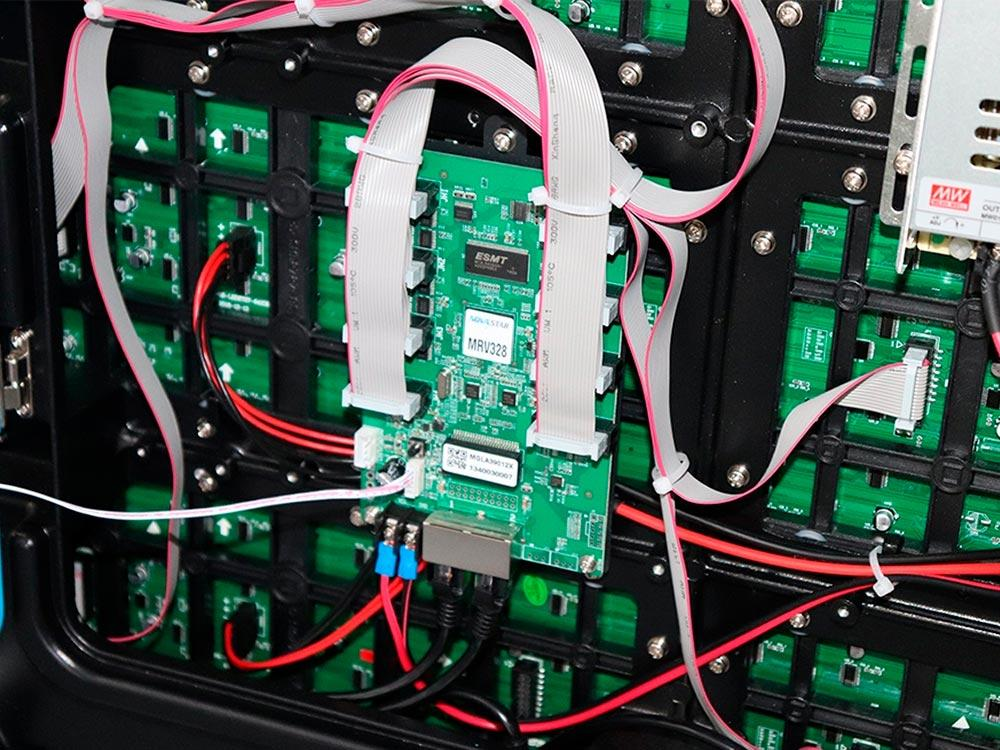
Indicator LEDs provide useful information during troubleshooting.
A receiving card normally has status lights related to power and signal communication. If the power indicator is off, check the power connection first. If power is normal but the communication indicator does not behave normally, inspect the signal connection.
However, indicator behavior differs between receiving card brands and models. Always check the manufacturer's manual before using LED flashing patterns as a final diagnosis.
This is the most important question in LED receiving card troubleshooting.
Many technicians replace the receiving card too early.
Instead, identify the size of the failure first.
A simple rule is:
The smaller the faulty area, the closer you should inspect the local components.
For example, when only one module is black while the other modules connected to the same receiving card work normally, replacing the receiving card should not be your first action.
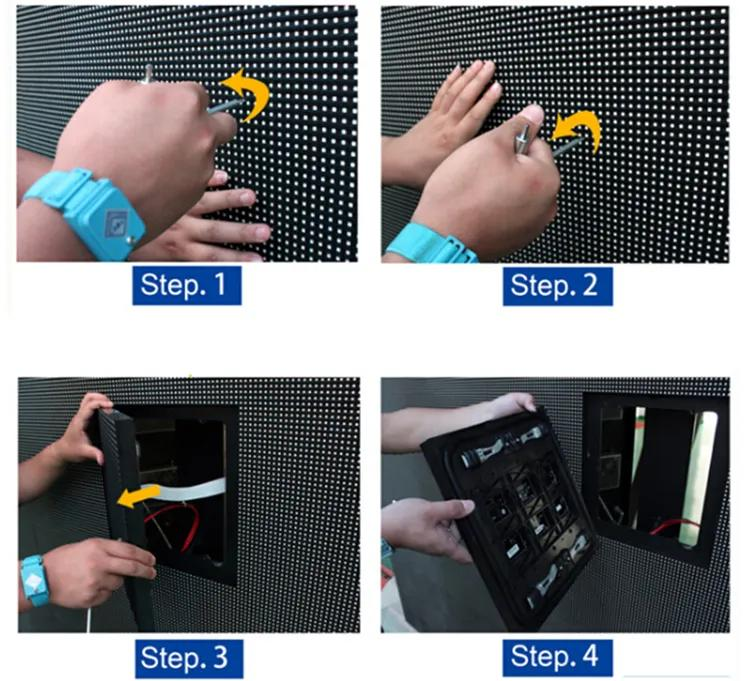
Start with the simplest possibility.
Measure the receiving card input voltage and check:
A receiving card cannot communicate correctly without stable power.
Inspect both the signal input and output.
Look for:
You can replace the suspected cable with a known working cable. If the display returns to normal, the receiving card probably does not need replacement.
Check whether the power and communication indicators are operating.
No power light usually points toward the power circuit.
Power present but no normal communication may indicate a network, controller, firmware, or receiving card issue.
The receiving card sends data to the modules through the HUB board and ribbon cables.
A loose ribbon cable can cause:
Reconnect the cables and inspect their connectors before replacing expensive components.
If the hardware looks normal, open the LED control software and check the parameters.
Pay special attention to:
Incorrect parameters can make a perfectly good receiving card appear defective.
Firmware should also be considered when hardware tests do not reveal the problem.
Different receiving card generations or software versions may not always work correctly together.
Avoid updating firmware simply because a screen has failed. First confirm the correct firmware for the receiving card model and keep a backup of the original configuration.
A swap test is one of the most reliable ways to identify an LED receiver card failure.
Take a known working receiving card of the same compatible model and install it in the faulty cabinet.
If the cabinet immediately works normally after loading the correct configuration, the original receiving card is likely faulty.
If the problem remains, continue checking the power supply, HUB board, cables and LED modules.
These two failures are often confused.
A receiving card normally controls multiple modules. Therefore, if several modules connected to the same card fail together, the receiving card or its upstream signal becomes more suspicious.
If only one module fails while all surrounding modules work normally, inspect that module and its data connection first.
This principle also applies to more complex products such as flexible LED displays and spherical screens. Although their physical structures are different, systematic troubleshooting should still begin by identifying the affected signal area.
Replace a receiving card only after the basic checks have been completed.
Replacement is reasonable when:
After installing a new receiving card, remember to load the correct configuration file before judging the result.
Good maintenance can prevent many receiving card problems.
Keep configuration files backed up so that settings can be restored quickly after replacement. Check Ethernet cables and connectors regularly, especially on rental screens that are frequently installed and removed.
Stable power is equally important. Poor power connections, voltage fluctuations, moisture, dust and excessive heat can reduce the reliability of electronic components over time.
For special installations such as LED sphere displays or irregular LED structures, keep clear records of card positions and signal routes. This can significantly reduce troubleshooting time later.
A reliable LED screen depends on more than the LED modules themselves. Power supplies, receiving cards, controllers, cables, structural design and configuration all affect long-term operation.
TOOSEN provides LED display design, manufacturing, installation and commissioning support for conventional and customized projects. Its product range includes spherical LED screens, shaped LED displays, flexible LED displays and indoor/outdoor LED screens.
For customized projects, planning the control system and maintenance access during the design stage can make future receiving card replacement and troubleshooting much easier.
When an LED screen becomes black, flickers, loses signal, or shows a distorted image, do not assume the receiving card is damaged.
A better troubleshooting order is:
Power → Ethernet cable → Indicator lights → HUB board → Ribbon cables → Configuration → Firmware → Swap test
This process helps separate a true LED receiving card problem from module, power, cable, or configuration failures.
Finding the real cause before replacing hardware can reduce repair time, avoid unnecessary replacement costs, and keep the LED display operating reliably.
Check its power, network connection, configuration, HUB board and cables first. If a known working compatible receiving card solves the problem in the same cabinet, the original card is likely faulty.
The problem may be downstream of the receiving card. Check the HUB board, ribbon cables, module power and receiving card configuration.
 EN
EN
 AR
AR
 BG
BG
 HR
HR
 CS
CS
 DA
DA
 NL
NL
 FI
FI
 FR
FR
 DE
DE
 EL
EL
 HI
HI
 IT
IT
 JA
JA
 KO
KO
 NO
NO
 PL
PL
 PT
PT
 RO
RO
 RU
RU
 ES
ES
 SV
SV
 TL
TL
 ID
ID
 SR
SR
 UK
UK
 VI
VI
 ET
ET
 HU
HU
 TH
TH
 TR
TR
 FA
FA
 AF
AF
 MS
MS
 GA
GA
 HY
HY
 AZ
AZ
 MN
MN
 UZ
UZ