Home > News > Industry News
Modern audiences expect more than great music and impressive performances. They want immersive visual experiences that capture their attention from the moment the show begins. As a result, LED screens have become an essential part of concerts, festivals, corporate events, theaters, and live productions.
However, building a successful stage LED display involves much more than simply purchasing a screen and turning it on. You need to plan the display size, select the right hardware, design a reliable structure, configure the control system, and manage content effectively.
This guide explains how to design, build, and operate a stage LED screen from scratch.
Before choosing any equipment, determine what the LED screen needs to achieve.
Ask yourself the following questions:
The answers will influence every decision you make later.
For example, an outdoor music festival typically requires higher brightness and weather protection, while an indoor theater focuses more on color accuracy and image quality.
Pixel pitch directly affects image clarity.
The smaller the pixel pitch, the higher the resolution and viewing quality.
Common pixel pitch recommendations include:
| Application | Recommended Pixel Pitch |
|---|---|
| Indoor stage events | P1.9 – P3.9 |
| Concert backdrops | P2.6 – P4.8 |
| Large outdoor festivals | P4.8 – P8 |
| Stadium performances | P6 – P10 |
As a general rule, viewers should stand at least the pixel pitch value (in millimeters) converted to meters away from the screen for optimal viewing.
Therefore, a P3.9 LED screen works best when viewers stand approximately 4 meters or more from the display.
Next, calculate the screen dimensions based on venue size and audience capacity.
Most concert stages use one of the following layouts:
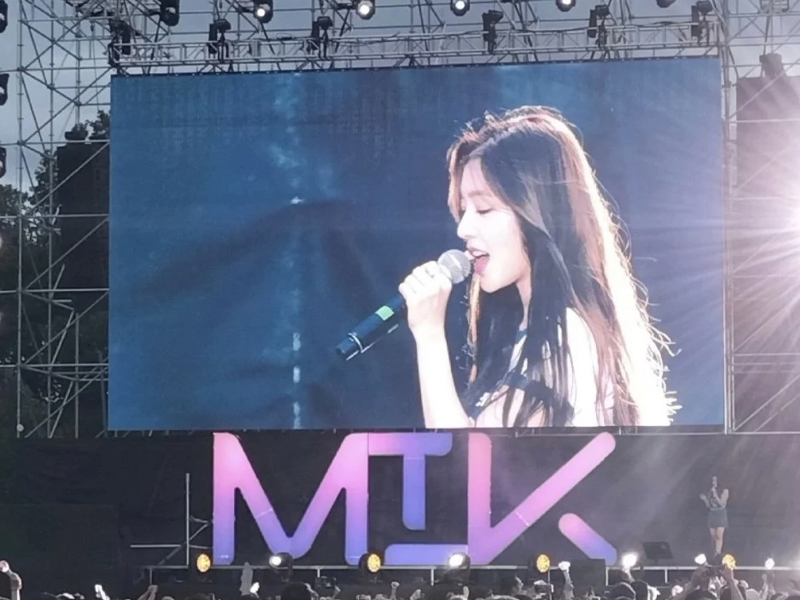
The main screen sits behind performers and serves as the visual centerpiece.
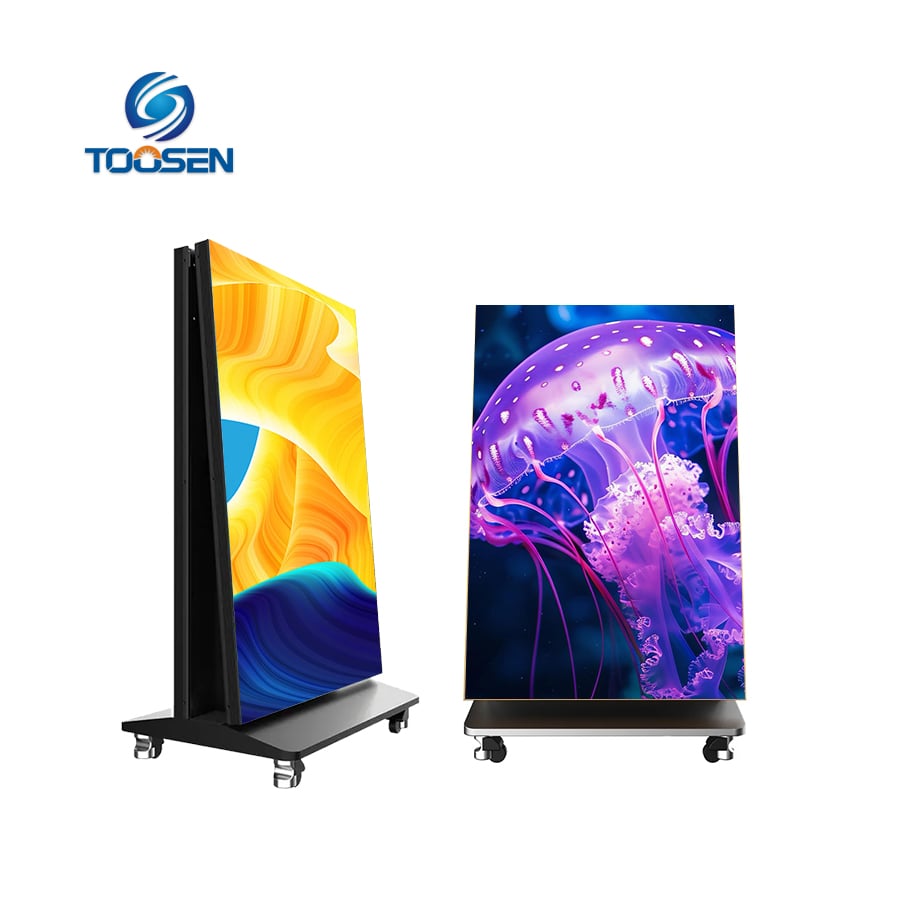
Event organizers often place large side screens on both sides of the stage. These displays show live camera feeds and help distant spectators see performers clearly.
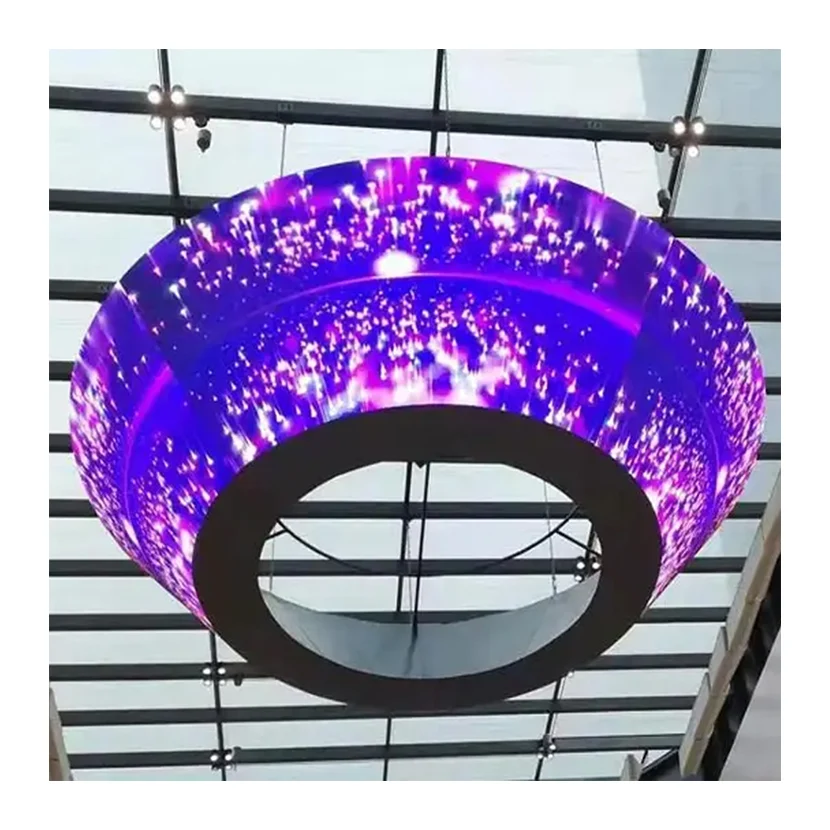
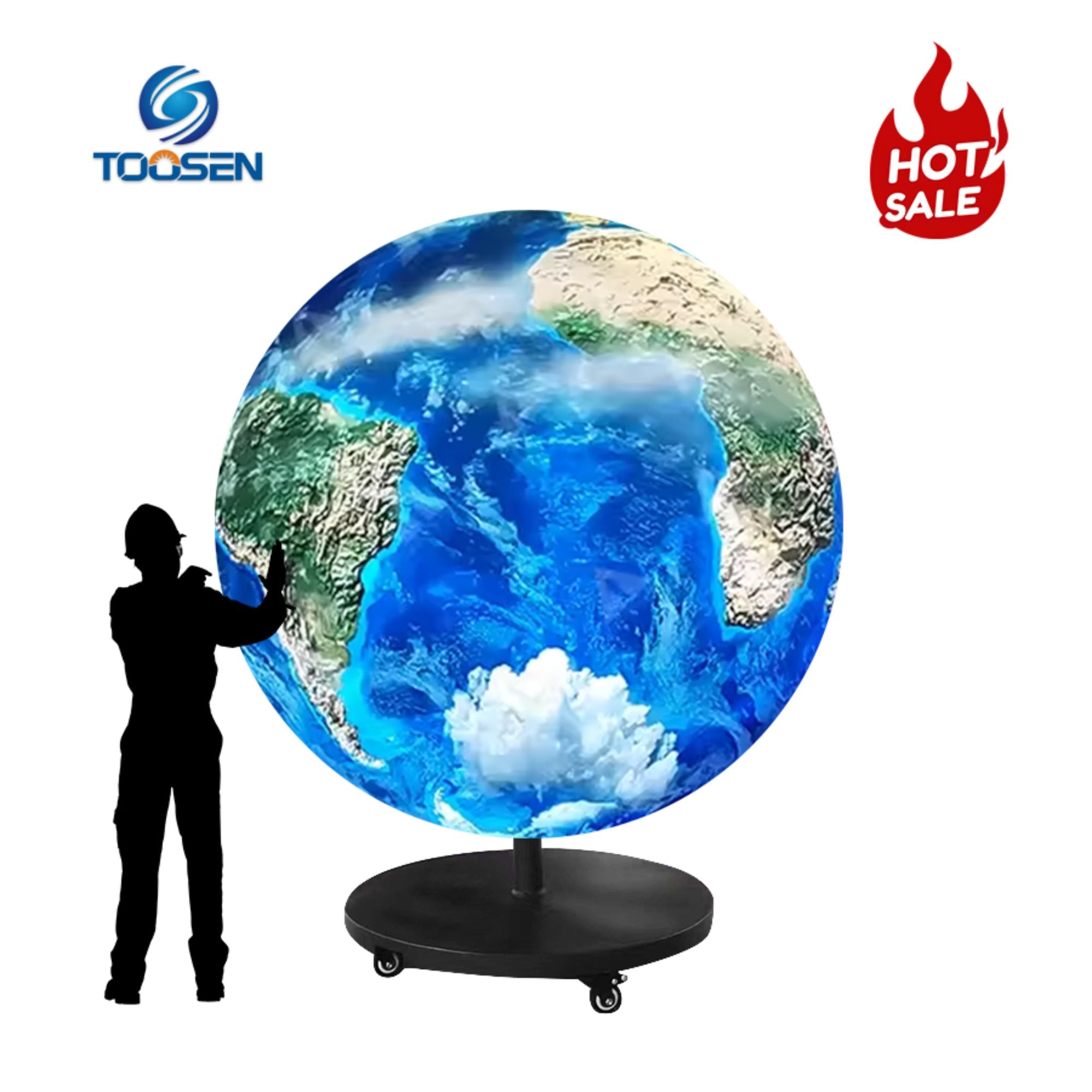
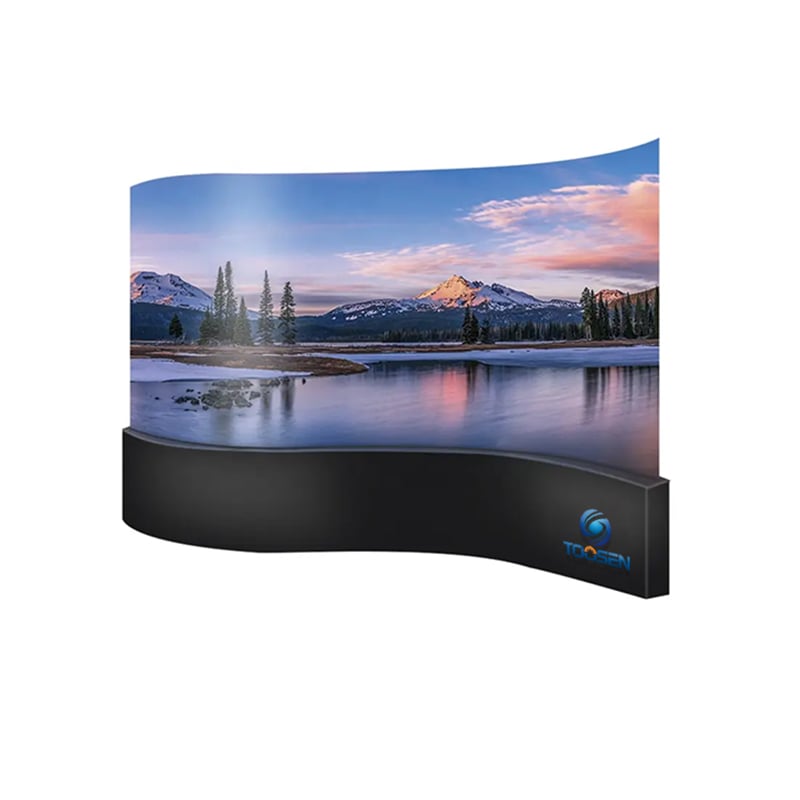
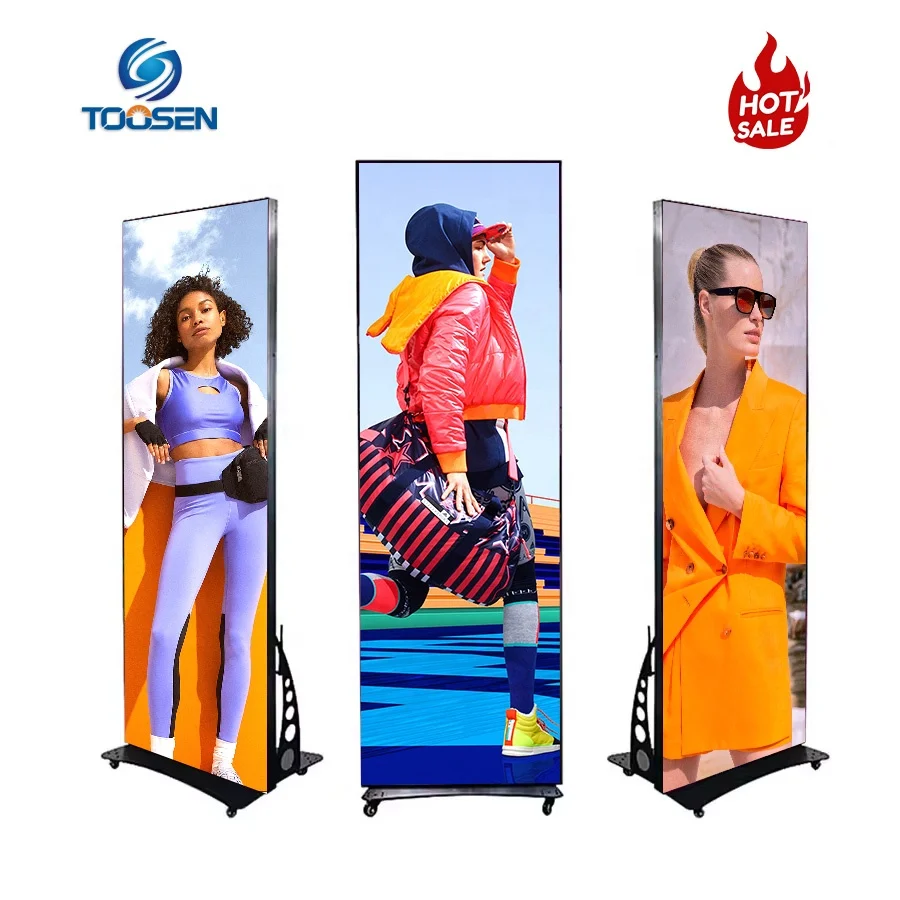
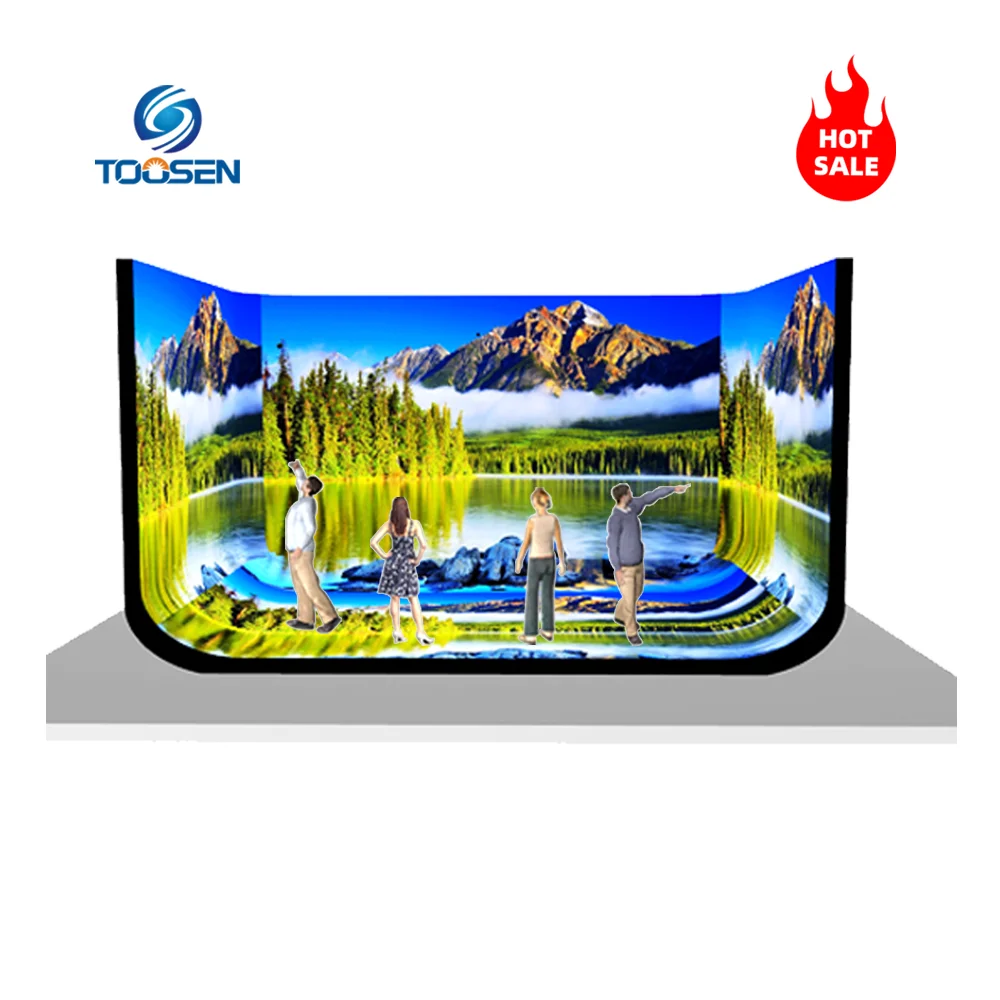
Many modern productions go beyond traditional rectangular displays and incorporate:
Creative designs help productions stand out and create unforgettable visual effects.
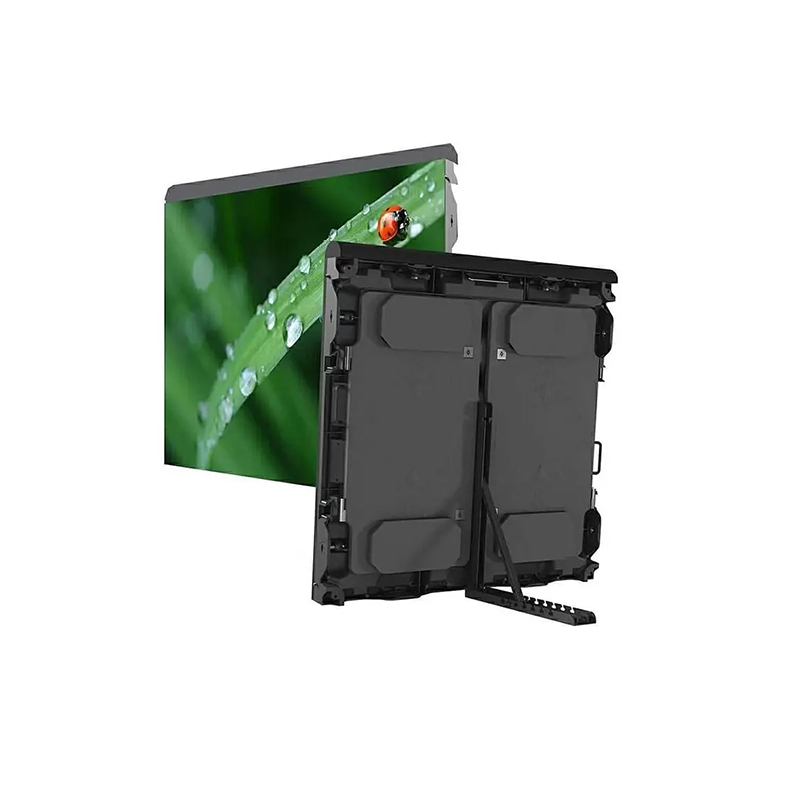
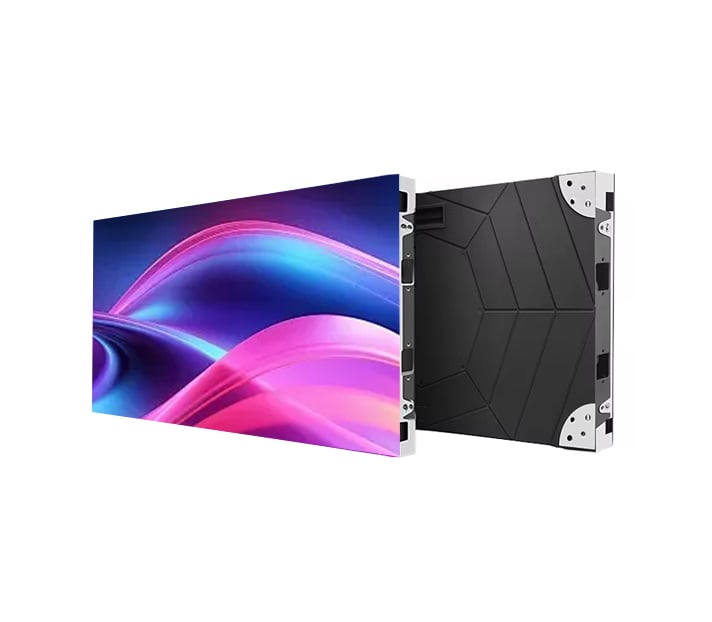
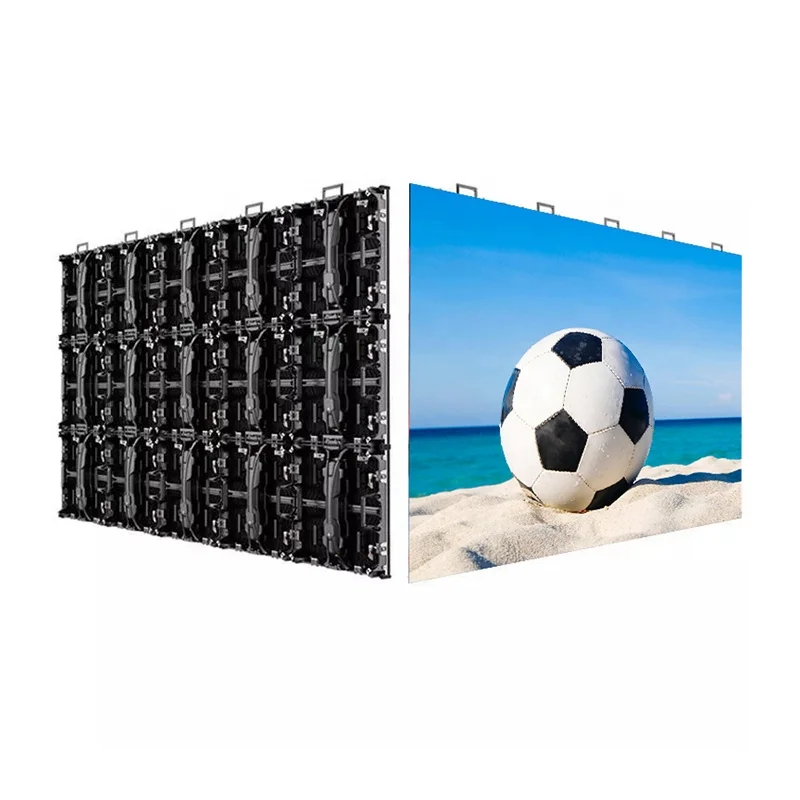
Rental LED cabinets dominate the live event industry because they offer flexibility and fast installation.
When comparing cabinets, pay attention to:
Lighter cabinets reduce rigging loads and speed up installation.
Choose a refresh rate of at least 3840Hz. For professional broadcasting and live streaming, many event producers prefer 7680Hz or higher.
Recommended brightness levels include:
Higher brightness ensures clear visibility even under direct sunlight.
For outdoor applications, select cabinets with at least IP65 protection.
Even the most advanced LED display can become dangerous without proper structural engineering.
First, calculate the total weight of:
Next, verify that the venue can safely support the load.
Depending on the project, you may choose:
These structures transfer weight directly to the ground and work well for large outdoor events.
Many concerts suspend LED screens from overhead trusses to maximize stage space and improve audience sightlines.
Creative LED installations often require specially engineered frames to support unique shapes.
Never overlook wind load calculations for outdoor events. Strong winds can create significant pressure on large LED surfaces.
The LED screen itself represents only one part of the display system.
A complete signal chain typically includes:
Content Source → Video Processor → Sending Card → Network Cable/Fiber → Receiving Card → LED Modules
Modern productions often use:
Additionally, many professional events deploy redundant control systems to minimize downtime.
Content quality often determines whether an LED screen impresses the audience.
Before the event, create content that matches:
For concerts, many production teams combine:
Furthermore, designers should account for pixel mapping when working with curved or irregular LED displays.
Testing prevents costly problems during the live show.
Before opening the venue, inspect:
A thorough rehearsal allows technicians to identify and solve issues before the audience arrives.
Once the show begins, operators must continuously monitor the system.
Key responsibilities include:
Successful productions rely on constant communication between departments.
When lighting cues, video effects, and music synchronize perfectly, the audience experiences a seamless and immersive performance.
Post-event maintenance extends equipment lifespan and reduces future repair costs.
After each event:
Routine maintenance helps prevent unexpected failures during future productions.
Designing and building a stage LED screen system requires careful planning, technical expertise, and attention to detail. However, when you choose the right LED display, design a safe structure, deploy a reliable control system, and create engaging content, your stage transforms into a powerful visual experience.
Whether you are producing a concert, music festival, corporate event, theater performance, or live broadcast, a professionally designed LED video wall can elevate audience engagement, strengthen visual storytelling, and deliver unforgettable results.
 EN
EN
 AR
AR
 BG
BG
 HR
HR
 CS
CS
 DA
DA
 NL
NL
 FI
FI
 FR
FR
 DE
DE
 EL
EL
 HI
HI
 IT
IT
 JA
JA
 KO
KO
 NO
NO
 PL
PL
 PT
PT
 RO
RO
 RU
RU
 ES
ES
 SV
SV
 TL
TL
 ID
ID
 SR
SR
 UK
UK
 VI
VI
 ET
ET
 HU
HU
 TH
TH
 TR
TR
 FA
FA
 AF
AF
 MS
MS
 GA
GA
 HY
HY
 AZ
AZ
 MN
MN
 UZ
UZ